

What DAWs Do EDM Producers Use? Six DAWs Compared
Every few months someone asks which DAW their favourite DJ uses, as if buying the same software comes with the same hits. It doesn't. But the question isn't daft either, because each DAW nudges you towards a way of working, and some suit dance music better than others.
So here are the six DAWs you'll find in most dance producers' studios: what each one is good at, where it falls down, and who it suits. Where a well-known artist has gone on record about their DAW, we've named them. Where it's just forum gossip, we've left it out.
Ableton Live
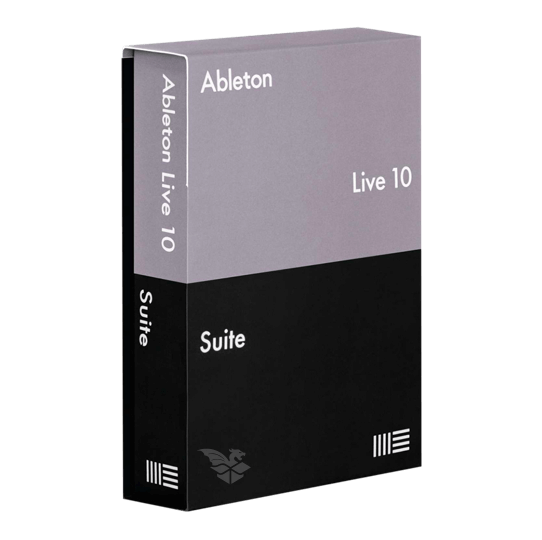
Live is the DAW most people picture when they think of electronic music, and for good reason. Its Session View is a grid of clips you can trigger in any order, so you can jam loops against each other, try a breakdown, swap the bassline and build a track by playing it rather than drawing it. When you've got something, you record it into the Arrangement View, which is a conventional timeline.
The stock devices are strong for dance music. Warping audio to tempo is quick and reliable, the sampler and synths are good enough to finish tracks with, and Max for Live (in the Suite edition) opens up a huge library of community-built devices. Push, Ableton's own controller, makes it feel like an instrument.
Where it's weaker: the mixer is basic next to Cubase or Logic, and comping and editing recorded audio is less refined. It's also not cheap if you want Suite.
Who uses it: Skrillex told Ableton back in 2011 that Live was his DAW of choice because it's "very fluid and quick".
Who it suits: techno, house, bass music and anyone who also wants to perform live. If you like to jam ideas rather than plan them, start here.
- Editions: Intro (16 tracks), Standard and Suite
- Max for Live included in Suite
- Windows and macOS
FL Studio
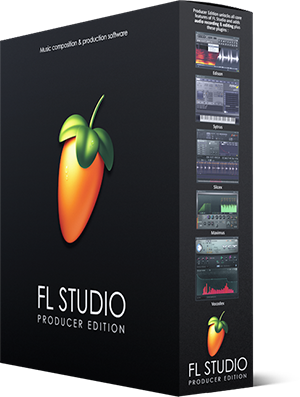
Image-Line's FL Studio started life as a drum pattern sequencer called FruityLoops, and that DNA is still there. You build patterns in the Channel Rack and paint them into the Playlist, and the piano roll is widely regarded as the best in the business for programming melodies and chords.
It's fast to get ideas down, light on the CPU and comes with a big bundle of instruments and effects. The other headline is the licence: buy any edition and you get lifetime free updates to that edition. Few companies do that, and over a decade it saves a lot of money. It now loads CLAP plugins as well as VST, and runs on Mac as well as Windows.
The downside is that the workflow can get messy on big projects, and recording live instruments or vocals is less natural than in Logic or Cubase. Some people also find the interface cluttered at first.
Who uses it: Martin Garrix, who told Image-Line he went looking for "a program that is easy to use for productions and gives fast results".
Who it suits: big room, future bass, trap and anyone who writes mostly in the piano roll. A very good first DAW.
- Lifetime free updates on every edition
- Pattern-based workflow with a class-leading piano roll
- Windows and macOS, VST, VST3, AU and CLAP
Logic Pro
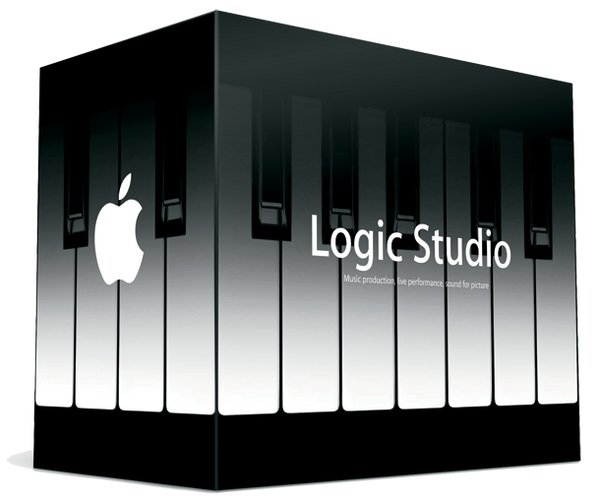
Logic is Apple's DAW and the best value in this list if you're on a Mac. For a one-off £199.99 (or a monthly subscription through Apple's Creator Studio) you get a full studio: Alchemy, which is a genuinely deep synth, a capable sampler, solid compressors and EQs, Drummer and the newer Session Players, and a huge sound library.
It's especially popular in trance and progressive. The mixer and bussing are excellent, MIDI editing is precise, and it handles big orchestral-style arrangements well. Logic 12 added Chord ID and a Synth Player that writes pad, chord and bass parts for you, which is handy for sketching even if you'll replace them later.
The catch is obvious: it's Mac only, and it only loads Audio Units plugins. If you ever move to Windows, your projects stay behind.
Who uses it: Armin van Buuren builds his tracks from a Logic template, which he walks through in his MasterClass series.
Who it suits: trance, progressive and anyone on a Mac who wants the most for their money.
- One-off purchase or Creator Studio subscription
- Mac only, Audio Units plugins only
- Alchemy, Sampler, Session Players and Chord ID built in
Get the sound: Logic Pro X Uplifting Trance Starter Template drops you into a professionally built project to learn from or build on.
Steinberg Cubase

Cubase is the veteran. Steinberg invented the VST plugin format, and Cubase has been a serious studio tool since the days of the Atari ST. It's at its best for detailed MIDI work, audio editing and mixing, with an excellent channel strip and some of the best MIDI editors around.
Cubase Pro 15 has pushed further into electronic territory, with a Melodic Mode in the Pattern Editor for programming basslines and arps, plus a set of new modulators including a Sample and Hold and a Morph LFO.
It's a big program with a lot of menus, and it can feel more like a recording studio than an instrument. The dongle-free licensing is much friendlier than it used to be, though.
Who uses it: Zedd told Sound On Sound "I have always used Cubase" and that he still produces everything in it. He also called its automation "terrible", which tells you something about how honest the Cubase faithful are.
Who it suits: producers who write a lot of detailed MIDI, record vocals or instruments, and mix their own tracks properly.
- Editions: Elements, Artist and Pro
- Windows and macOS
- Strong MIDI editing, mixing and audio tools
Fender Studio Pro (formerly PreSonus Studio One)
If you're looking for Studio One, it's changed its name. Fender bought PreSonus in 2021, and in January 2026 Studio One Pro became Fender Studio Pro 8. Same DAW underneath, with a refreshed interface and more on top.
Studio One built its reputation on drag-and-drop speed: drag an effect onto a track, drag audio onto an instrument, drag a chain between channels. It also has a mastering Project page built in, so you can sequence and master an EP without leaving the program. Version 8 adds audio-to-MIDI tools, stem splitting and a big set of Fender amp models, which matters more to guitarists than to trance producers.
It's a perpetual licence at £169.99 or a £19.99 monthly subscription. The free Prime edition has gone, so there's no longer a free way in. It's less common in dance music than the four above, which means fewer genre-specific tutorials and templates.
Who it suits: producers who want a modern, fast all-rounder that records and mixes as well as it programs, particularly if you also play an instrument.
- Windows and macOS, Linux in beta
- Built-in mastering Project page
- Perpetual or subscription licence
Bitwig Studio
Bitwig was started by former Ableton developers, and you can tell. It has the same clip launcher and arrangement idea as Live, then goes much further with modulation. Almost any parameter on any device can be modulated by LFOs, envelopes, step sequencers and more, and The Grid lets you build your own synths and effects from modules.
It's also the most forward-looking DAW technically. Bitwig co-developed the open CLAP plugin format with u-he, it sandboxes plugins so a crash doesn't take down your session, and it runs on Linux as well as Windows and macOS.
The weaknesses are a smaller user base, fewer third-party tutorials and templates, and a learning curve if you want to use the deep stuff. Pricing runs from a cheap entry edition to the full Studio version, with a yearly upgrade plan.
Who uses it: mau5trap producer and sound designer Dom Kane is one of Bitwig's featured artists, and says it lets him explore ideas he couldn't reach in other DAWs.
Who it suits: sound designers, modular fans and techno producers who like to tinker. If Live feels limiting, try Bitwig.
- Clip launcher plus arrangement view
- The Grid modular environment and extensive modulators
- Windows, macOS and Linux, VST and CLAP
So which should you use?
Honestly, the one you'll actually finish tracks in. Every DAW here can make a chart record, and the producers named above would make hits in any of them. Pick by workflow:
- You like jamming loops and might play live: Ableton Live or Bitwig
- You write mostly in the piano roll: FL Studio
- You're on a Mac and want the most for the money: Logic Pro
- You record and mix a lot: Cubase or Fender Studio Pro
Nearly all of them have a free trial, so try two before you buy. For a deeper comparison, read our guide to which DAW is best for electronic music production.
EDM sounds for any DAW
Whatever DAW your favourite producer uses, it's the sounds you actually hear. Our packs are royalty free, an instant download, and load into any of the DAWs above.

Spire - EDM All Stars Vol.1: 64 main stage EDM presets for Spire

Reveal Sound Spire + SOUND7 Sound Packs Bundle: don't own Spire yet? The licence code comes by email and the free SOUND7 Spire packs are an instant download

Diva - Current Trends Vol.1: 64 modern trance presets for Diva: leads, bass, pads and plucks

Classic Trance Vol.1 - Trance Sample Pack: over 500 trance samples, from progressive house to 2000s-style trance

Above Trance Vol.1 - Progressive & Uplifting Trance Sample Pack: progressive, deep and uplifting trance samples, key and BPM labelled