

Which DAW is Best for Electronic Music Production
New to producing electronic music, or thinking about jumping ship from your current DAW? Here are the top 5 DAWs for electronic music production, and who each one suits.
As electronic music producers, we want to get ideas down quickly: good bundled content, a UI that lets us realise ideas without too much menu diving, and something that feels a bit special in use. Every DAW here will record, edit, mix and master. What separates them is workflow, and that's what we've focused on.
Ableton Live
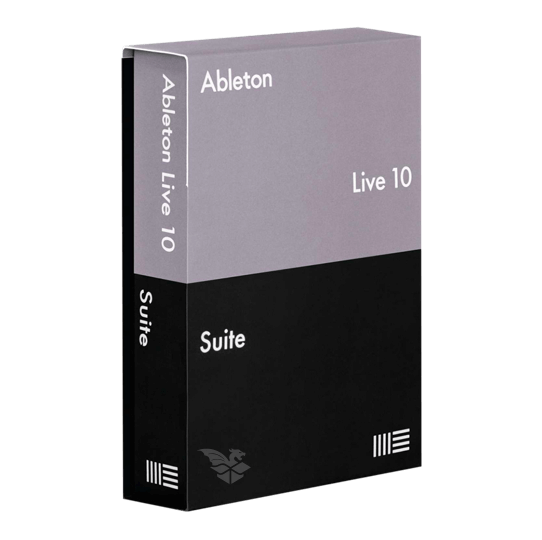
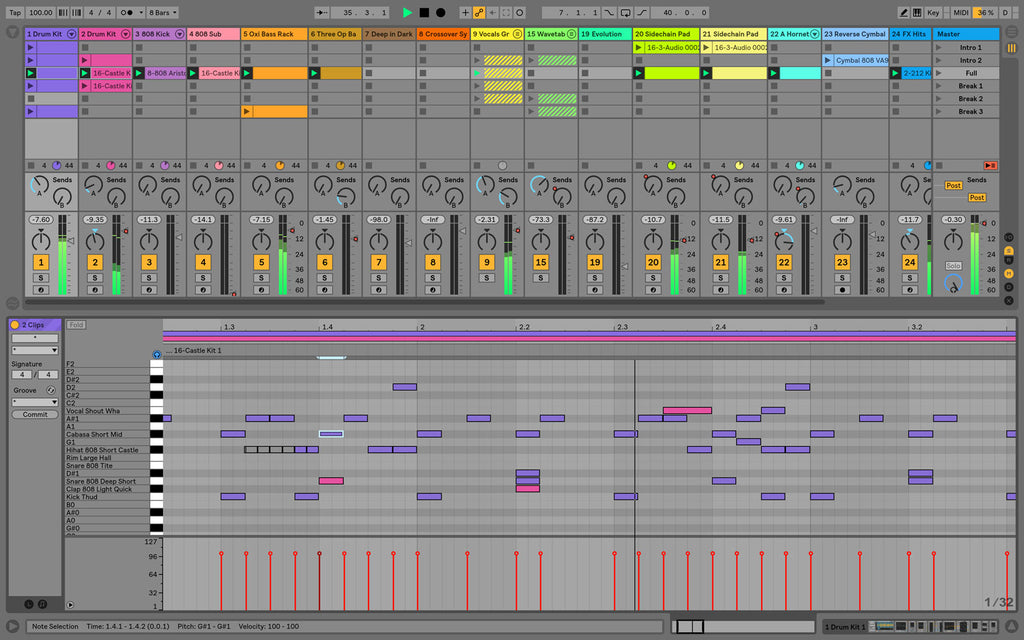
First released back in 2001, Live turned the established horizontal, timeline-based sequencer on its head. It uses a clip-based approach, letting clips be triggered on demand with various user-definable parameters, alongside a more traditional linear arrangement view. That means more flexibility and a focus on getting your ideas down quickly. The ability to drop in and tempo-match loops, clips and your own content on the fly, along with easy editing, makes it ideal for all types of electronic music. It includes a good blend of traditional (delays, EQ, reverbs) and more unorthodox (grain delays, resonators, spectral blurs) effects, as well as a core set of instruments and samplers to get going. Available on PC and macOS, it's a one-stop shop for all things electronic dance music.
A Good Match For: Producing any style of electronic music, people who both DJ and produce (or want to start), newcomers, people who like to quickly experiment with new ideas.
Not A Good Match For: Traditionalists, conventionalists, people who get hung up on 'sound quality'.
FL Studio
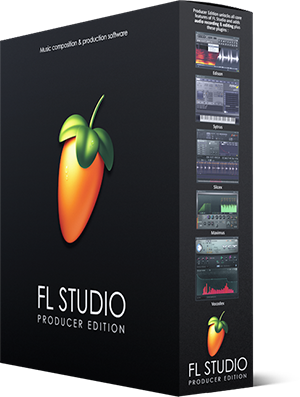
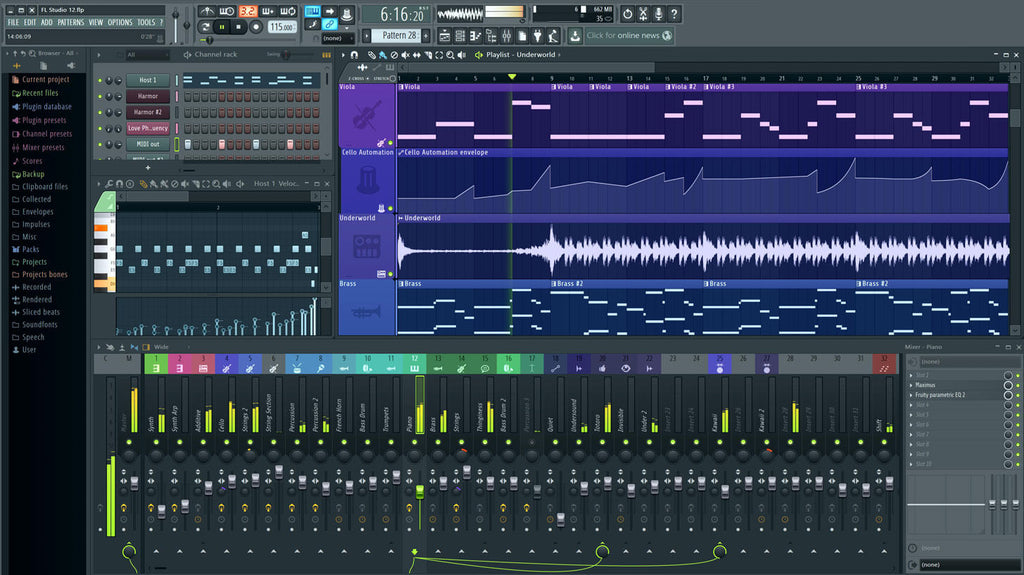
First released in the late 1990s under the original name FruityLoops, it has evolved into the fully fledged DAW it is today. Built around a pattern-based sequencer, it lends itself extremely well to all electronic styles. It was one of the first major DAWs to have the kind of loop browser that now seems to be in every modern DAW. You create quickly in the pattern sequencer with a piano roll and event editor, then sequence those parts out in the traditional left-to-right fashion. That means a really fast workflow, quick editing and the ability to try new variations of your melody, bassline or drum pattern in seconds. Competitively priced, with all the FX and instruments you need, it's an ideal route into electronic music production.
A Good Match For: Newcomers, experienced users wanting a change, people who prefer to stay 'in the box', people who want fast results, anyone from people who just want to make beats to people who want to make entire productions.
Not A Good Match For: People who want to do a lot of audio editing, people who only care about how a program looks.
Bitwig Studio
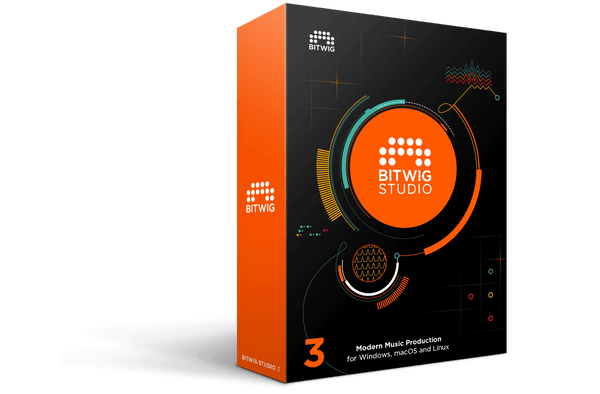
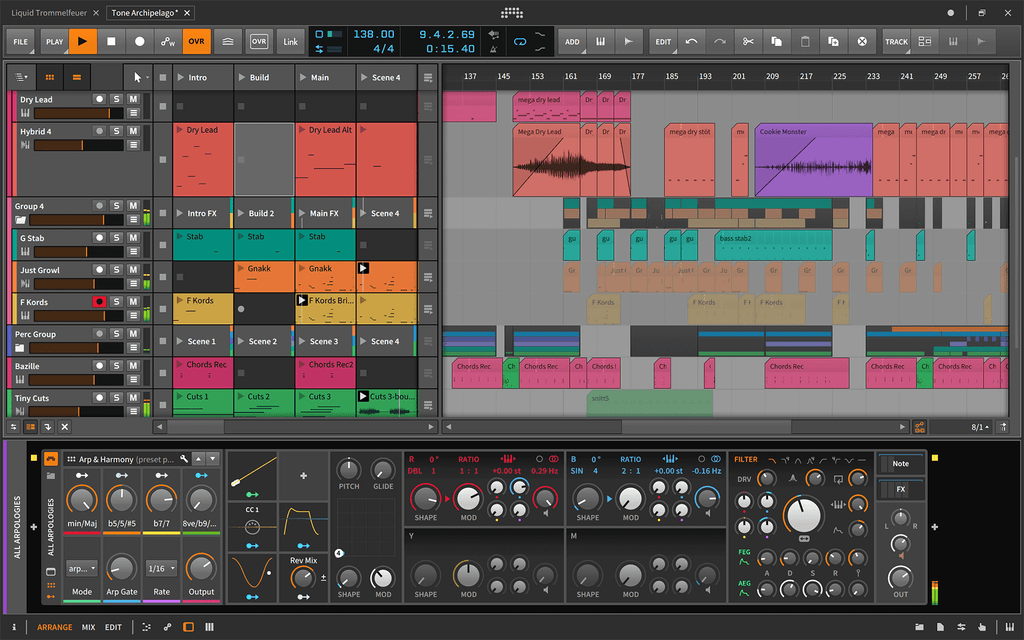
A relative newcomer to the DAW table, it offers something similar but also a bit different. Expect the usual line-up of effects and instruments plus a decent chunk of sample content. What sets Bitwig apart is a hybrid linear, clip-based and modular approach to production and sound design. It works in both a timeline and a clip launcher (à la Ableton Live), and modulation plays a key role in Bitwig world: parameter modulation is easy, accessible and actively encouraged, and it's visible via animated rings around each dial. It also sandboxes VST instruments and effects, separating the plugin from the main host, so if a plugin crashes it won't bring the whole DAW down with it. It's also the only DAW on the list that natively supports macOS, Windows and Linux.
A Good Match For: People after something a bit different, modulation freaks, people wanting to stray from Ableton Live but not too far, Linux users.
Not A Good Match For: People wanting to completely detox from clip-based production.
Steinberg Cubase
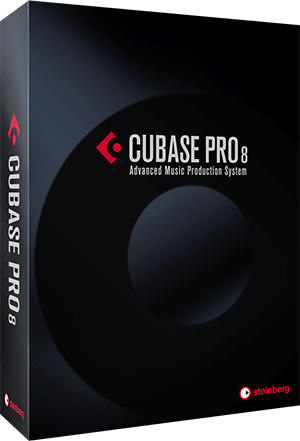
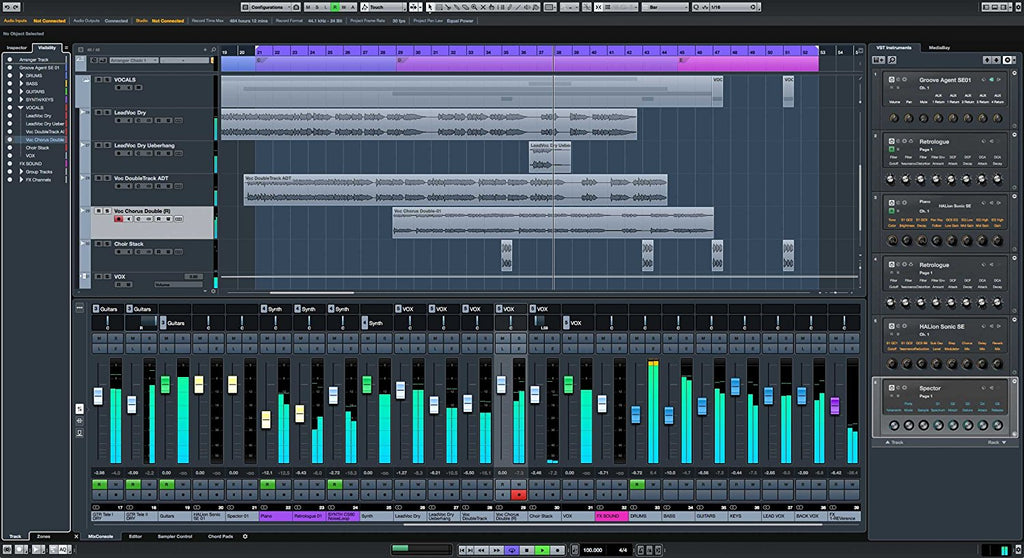
Cubase has a long history, starting out as a MIDI sequencer for the Atari ST. It has moved on from its grassroots while keeping a strong MIDI implementation, and it's now a fully fledged DAW. It certainly shows. It's cross-platform (PC and Mac) and comes bundled with gigabytes of content. It sports a slick, easy-on-the-eye interface, a hardware-inspired mixer layout, a loop browser with quick tempo matching, good core synths such as Retrologue, a very solid and easy to use drum sampler in Groove Agent, and the usual slew of FX, although some are better than others. With its good set of audio editing features, core content and bundled plugins, it really is a complete in-the-box solution.
A Good Match For: Professionals, people who want to feel like professionals, people with lots of MIDI gear.
Not A Good Match For: People completely new to DAWs, people who just want to make beats.
Apple Logic Pro
Along with Cubase, Logic is probably the most polished DAW on the list. Its slick, clean interface is typical of all things Apple, and its no-nonsense layout gives it a really smart feel. Its features go beyond the aesthetics though, and like the others it comes with a shed-load of content. Its bundled FX and instruments are some of the best quality included plugins of any DAW on this list, including some that were previously standalone behemoths in their own right, such as Alchemy. Other features include a loop browser with automatic tempo matching, great integration with external gear, deep MIDI ability, good audio editing options and very flexible mixer and routing options. Finally, being macOS exclusive, along with Apple's development clout, means Logic is coded and maintained incredibly well, which makes it very stable in use.
A Good Match For: Mac users, professionals, people who don't like unplanned downtime.
Not A Good Match For: PC users, people completely new to DAWs.
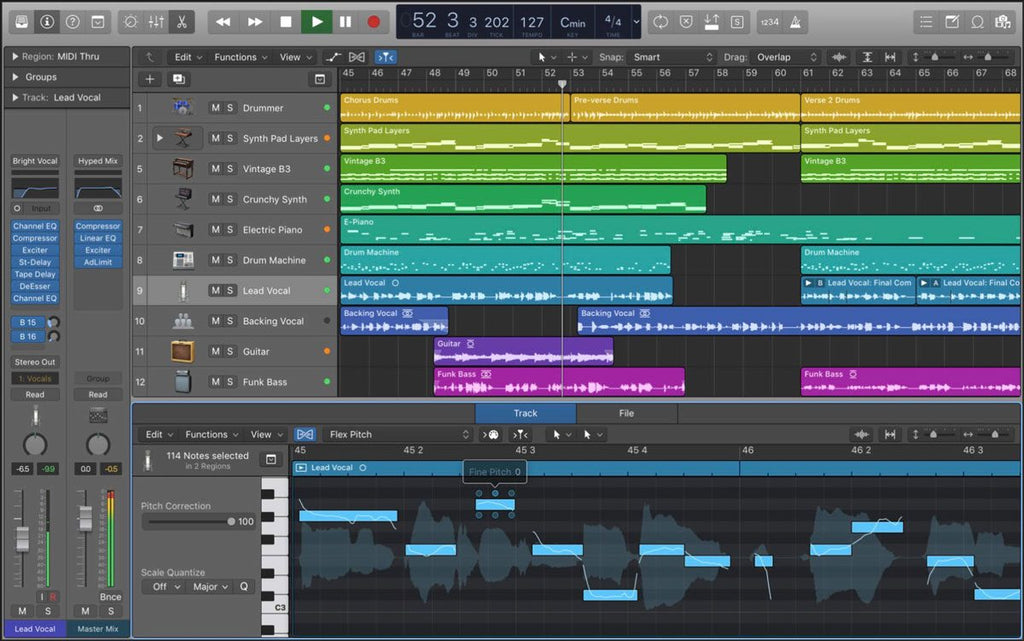
Get the sound: Logic Pro X Uplifting Trance Starter Template gets you past the two-bar loop stage with a professionally built project ready to pull apart.
Honourable DAW mention: Fender Studio Pro (formerly Studio One)
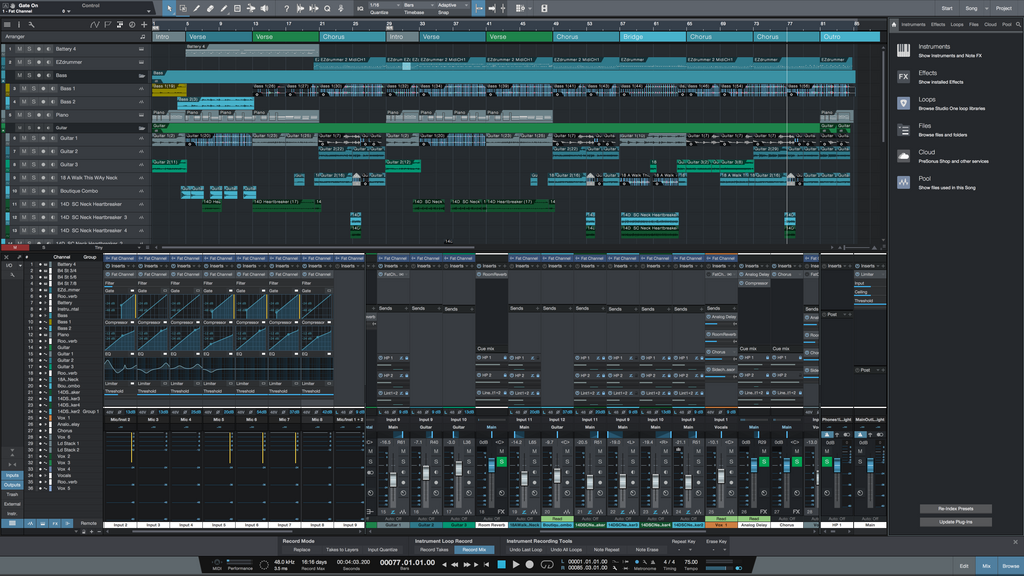
PreSonus Studio One deserves an honourable mention, though it now goes by a new name: since January 2026 it's been sold as Fender Studio Pro, starting at version 8. First released in 2009, it's a younger DAW than most here, but it feels incredibly mature in use. It also doesn't suffer the hang-ups some of the longer established players are plagued with, such as an overwhelming amount of menu diving, outdated instrument GUIs (looking at you, Logic) or usage and GUI quirks that are too ingrained to change. Like the others, it comes bundled with its own drum samplers, samplers, FX and synths, plus gigabytes of sample content. What it offers is the traditional timeline approach, with a solid, streamlined, no-nonsense workflow that quickly reconnects you with producing without any unnecessary barriers.
A Good Match For: Traditionalists who want minimal fuss, owners of PreSonus hardware.
Not A Good Match For: People wanting something radically different to the rest.
Looking for Plugins to Boost Your Productions?
Whichever DAW you land on, these all load straight into it. Our own SOUND7 sound packs are royalty free and an instant download. Plugin licences are sent by email as an activation code, and in the bundles below the plugin licence is emailed while the free packs are instant.

u-he Diva + SOUND7 Sound Packs Bundle: the analogue-sounding synth plus free SOUND7 Diva packs, for about the price of Diva on its own

Reveal Sound Spire + SOUND7 Sound Packs Bundle: the big-voiced EDM and trance workhorse, with free SOUND7 Spire packs

u-he Hive 2: fast, CPU-friendly synth with three synth engines, great for getting ideas down quickly

FabFilter Pro-Q 4: the EQ a lot of us reach for first, for mixing and mastering

Classic Trance Vol.1 - Trance Sample Pack: over 500 trance samples, from progressive house to 2000s-style trance